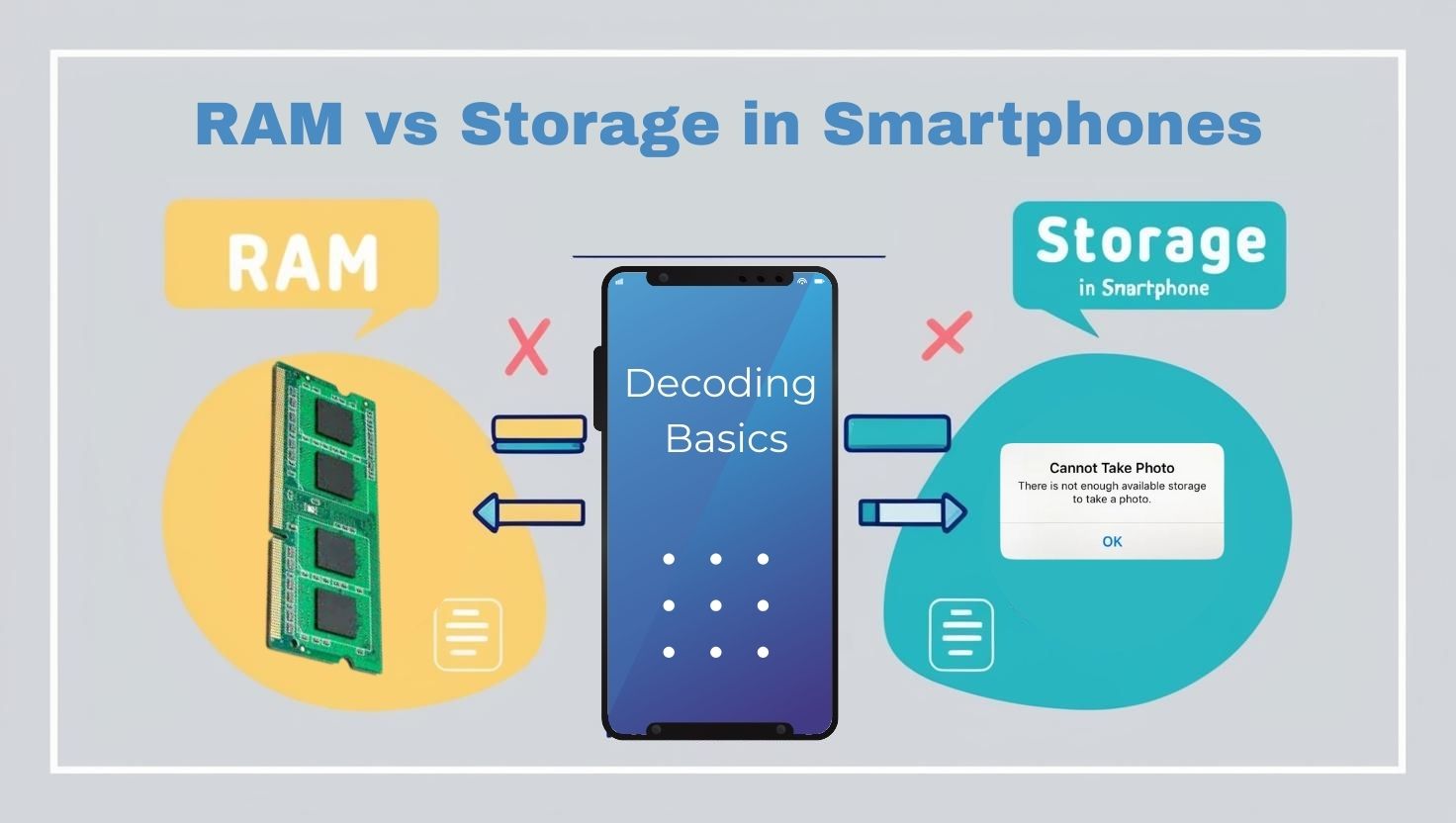
RAM vs Storage – A Simple Guide for Smartphone Users
Today’s Battle: RAM vs Storage. Ever wondered what those “8GB RAM” or “256GB storage” specs mean when shopping for a smartphone? I mean we all know we should go for higher numbers that our budget permits, but what do they really mean ? Terms like RAM and storage get tossed around in phone ads, but they’re often confusing. While most of us possibly even studied it in school, let’s face it, they were just concepts then. In today’s age with number of devices we handle, it gets important to understand their importance and how they impact us.
So coming to the point, they’re both types of memory in your phone, but they do very different jobs. This guide breaks down what RAM and storage are, why they matter, and how they affect your phone’s performance, with examples from top 2025 smartphones like the iPhone 16 Pro, Samsung Galaxy S25 Ultra, and Google Pixel 9 Pro. Let’s make it simple!
Read More: Everything about Google Pixel 9 Pro
What Are RAM and Storage?
RAM: Your Phone’s Short-Term Memory
RAM (Random Access Memory) is like your phone’s workspace. It temporarily holds data for apps, games, or tasks you’re using right now. Think of it as a desk where your phone keeps open books (apps) it’s reading. The more RAM, the more books it can keep open without slowing down.
-
Key Traits:
-
Volatile: Data in RAM disappears when you restart your phone.
-
Fast: RAM is super quick, letting your phone access app data instantly.
-
Purpose: Handles multitasking, like switching between apps or playing games.
-
Storage: Your Phone’s Long-Term Filing Cabinet
Storage (often called internal storage or flash memory) is where your phone keeps everything permanently—like photos, videos, apps, and the operating system (e.g., iOS or Android). It’s like a filing cabinet that holds your stuff safely even when the phone is off.
-
Key Traits:
-
Non-Volatile: Data stays safe without power.
-
Slower: Slower than RAM but stores way more data.
-
Purpose: Stores all your files, apps, and system software.
-
Let’s see this side by side:
|
Feature |
RAM |
Storage |
|---|---|---|
|
Function |
Temporary workspace for active apps |
Permanent home for apps, files, OS |
|
Volatility |
Wipes clean on restart |
Keeps data even when off |
|
Speed |
Very fast |
Slower than RAM |
|
Capacity |
Smaller (4-16GB typical) |
Larger (64GB-1TB typical) |
|
Example Use |
Running apps, multitasking |
Storing photos, videos, apps |
Why RAM and Storage Matter
Both RAM and storage impact your phone’s performance, but in different ways. Let’s see how they affect your daily use.
RAM: The Multitasking Maestro
RAM determines how smoothly your phone handles multiple tasks. Low RAM can make apps lag, crash, or reload when you switch between them. High RAM keeps things snappy, especially for demanding tasks like gaming or video editing.
-
-
Low RAM (4-6GB): Fine for basic tasks (texting, browsing), but struggles with heavy apps or many open tabs.
-
High RAM (12-16GB): Ideal for gaming, editing 4K videos, or running AI features like Google’s Pixel AI or Apple Intelligence.
-
Storage: The Space for Your Stuff
Storage decides how much you can keep on your phone. Running out of storage slows your phone (as it struggles to manage files) and stops you from saving new photos or apps. More storage means more room for offline videos, games, or high-res media.
-
-
Low Storage (64-128GB): Quickly fills up with photos, apps, or 4K videos, forcing you to delete stuff.
-
High Storage (512GB-1TB): Perfect for content creators or those who want everything offline.
-
Your phone needs both to shine. Storage holds your apps and files, but when you open an app, its data moves to RAM for fast access. If RAM is too small, the phone keeps reloading data from storage (slowing things down). If storage is full, the phone can’t save new data, and performance suffers. A good balance—like 8-12GB RAM and 256GB storage—keeps most users happy.
Let’s look at few Top 2025 Smartphones
Let’s look at how RAM and storage play out in dominant phones ruling the 2025 market, based on recent reviews and specs.
-
iPhone 16 Pro (Apple)
-
Specs: 8GB RAM, 256GB/512GB/1TB storage options.
-
RAM Impact: 8GB RAM handles Apple Intelligence AI features and multitasking well, but heavy video editors may notice slight lag compared to 12GB+ Androids. Optimized iOS keeps it smooth.
-
Storage Impact: 512GB is ideal for 4K ProRes video recording; 256GB fills fast for creators.
-
Best For: Photographers, casual gamers, and Apple ecosystem fans.
-
-
Samsung Galaxy S25 Ultra
-
Specs: 12GB/16GB RAM, 256GB/512GB/1TB storage.
-
RAM Impact: 16GB RAM powers Galaxy AI, 8K video editing, and heavy games like Genshin Impact without hiccups.
-
Storage Impact: 1TB suits content creators; 256GB is enough for most users but tight for offline media hoarders.
-
Best For: Power users, gamers, and video creators.
-
-
-
Specs: 12GB RAM, 128GB/256GB/512GB storage.
-
RAM Impact: 12GB RAM supports Pixel AI (e.g., Smart Reply) and multitasking, but 128GB storage limits heavy users.
-
Storage Impact: 512GB is better for photographers using Pixel’s computational photography, as RAW images eat space.
-
Best For: Photography buffs and AI enthusiasts.
-
Source: Android Authority, @GooglePixel posts.
-
Real Question – How Much RAM and Storage Do You Need?
Your needs depend on how your phone’s usage:
-
Basic Users (texting, social media, light browsing): 6-8GB RAM, 128-256GB storage.
- Average Users (mix of apps, photos, some gaming): 8-12GB RAM, 256GB storage.
-
Gamers/Content Creators (gaming, video editing, AI apps): 12-16GB RAM, 512GB-1TB storage.
Tip: Can’t decide? Go for 12GB RAM and 256GB storage for a future-proof balance in 2025. Check cloud storage (e.g., Google One, iCloud) for extra space if your phone doesn’t support microSD cards (most flagships don’t anymore).
Common Myths:
-
Myth: More RAM always means a faster phone.
-
Truth: Beyond 12GB, extra RAM helps only for heavy tasks. Software optimization (like iOS) matters more than raw RAM size.
-
-
Myth: Storage speed doesn’t affect performance.
-
Truth: Faster storage (e.g., UFS 4.0 in Galaxy S25) loads apps and files quicker than older UFS 3.1.
-
-
Myth: RAM and storage are the same.
-
Truth: RAM is temporary and fast; storage is permanent and larger. They’re teammates, not twins!
-
RAM and storage are the dynamic duo of your smartphone. RAM keeps your apps zipping along, while storage holds your memories and software. When choosing a phone, match RAM to your multitasking needs and storage to your data habits. Phones like the iPhone 16 Pro (8GB/512GB), Samsung Galaxy S25 Ultra (16GB/1TB), or Google Pixel 9 Pro (12GB/256GB) show how these specs shape performance. Pick wisely, and your phone will feel fast and spacious for years!
Frequently Asked Questions
What’s the difference between RAM and storage?
RAM is temporary memory for running apps; storage is permanent space for files, apps, and the OS.
How does RAM affect my phone’s speed?
More RAM means smoother multitasking and faster app switching, especially for games or AI features.
Can I add more RAM to my phone?
No, RAM is fixed in smartphones, unlike storage, which can sometimes expand via microSD (rare in 2025 flagships).
How much storage do I need?
128GB for basic use, 256GB for average users, 512GB+ for creators or offline media fans.
Do top 2025 phones have enough RAM/storage?
Yes, flagships like Samsung Galaxy S25 Ultra (16GB/1TB) or iPhone 16 Pro (8GB/512GB) balance both for most users.
About the Author: Aditi Sharma

Disclaimer
Techizta publishes content submitted by third-party agencies, partners, and clients. Any such posts are categorized and tagged accordingly:
- Sponsored Content: Posts labeled as "Sponsored" are paid placements submitted by third-party agencies or clients. Techizta does not endorse or express any views regarding the information contained in these posts. The opinions expressed belong solely to the respective authors and do not reflect the official policy or position of Techizta.
- Press Releases: Posts labeled as "Press Release" are paid PR submissions provided by our partners and clients. These are published as received and should be considered as promotional content.
The information provided in such posts is strictly for informational purposes only and should not be interpreted as buying recommendation, or professional advice. Techizta does not recommend, endorse, or promote any specific products, services, or companies mentioned. Readers are strongly encouraged to conduct independent research and consult with a qualified professional before making any decisions.
Additionally, all featured images accompanying such posts are intended as creative depictions of the subject matter. There is no intent to offend or misrepresent any individual, institution, or entity. If any content or imagery is found to be objectionable, please reach out to us at [email protected], and we will promptly review the concern.




Get Smart Insights In Inbox
Stay ahead of the curve with expert analysis and latest smart tech updates.